


Top 10 SEO Plugins for WordPress in 2025

SEO involves optimising your website for keywords, images and videos and creating content. All this helps to promote your brand and reach the maximum number of people. For WordPress websites SEO plugins are available.
WordPress SEO plugins help you to implement various optimisation strategies and add new functionalities to your website. You should know how to use the plugins to optimise your website. You can approach WordPress SEO Services to optimise your WordPress website.
Table of Contents
- Why Using the Right SEO Plugin Matters
- Plugin Comparison Table
- Comparison of the Top 10 SEO Plugins
- How to Choose the Best Plugin
- Summary of Key Takeaways
- FAQs
Why Using the Right SEO Plugins Matters
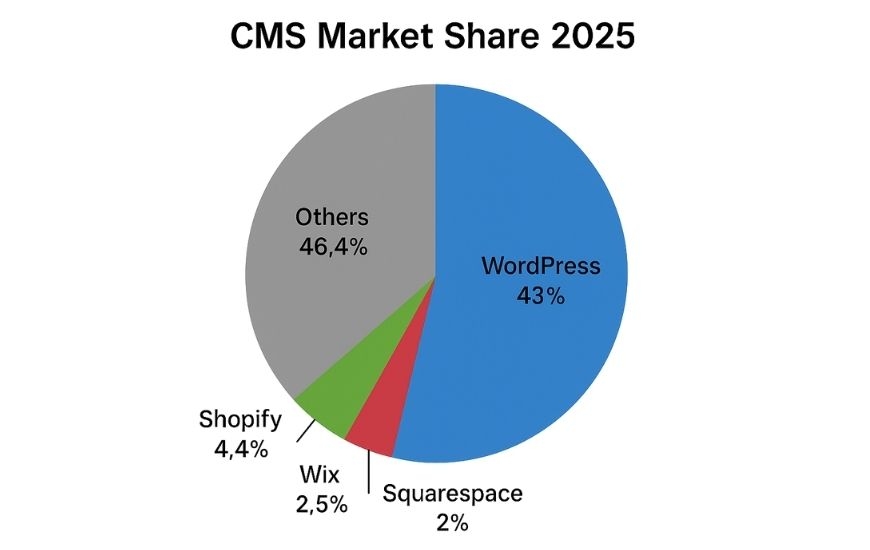
Having the right SEO plugin is crucial for your WordPress website’s performance. It can improve indexing, boost page speed, manage metadata, and ensure your content is discoverable. According to Kinsta, WordPress powers over 43% of the web, far outpacing platforms like Shopify, Wix, and Squarespace.
This dominance is visualized in the pie chart below, showing the global CMS market share. In such a competitive space, the right plugin gives your WordPress site a definitive edge in organic visibility.
Plugin Comparison Table
| Plugin Name | Best For | Standout Feature | Pricing (Starting) | Free Version Available |
| Yoast SEO | Beginners & Content Marketers | Content Analysis | $99/year | Yes |
| Rank Math | Technical Users & eCommerce | Built-in Schema & Integrations | $59/year | Yes |
| SEOPress | Agencies & White-label Needs | White-label & Local SEO Support | $49/year | Yes |
| AIOSEO | Balanced Users | TruSEO Score | $49/year | Yes |
| Squirrly SEO | Marketers & Bloggers | AI SEO Assistant | $20.99/month | Yes |
| SmartCrawl | Automation Fans | Real-time Reports & Integration | $7.50/month | Yes (via WPMU DEV) |
| Slim SEO | Beginners & Minimalists | Zero-Config Automation | Free | Yes |
| WP Rocket | Performance Optimization | Core Web Vitals Booster | $59/year | No |
| Schema Pro | Structured Data Support | Visual Schema Builder | $79/year | No |
| WP Smush/ShortPixel | Image Optimization | Up to 70% Compression | Free + Plans | Yes |
Comparison of the Top 10 SEO Plugins
Yoast SEO
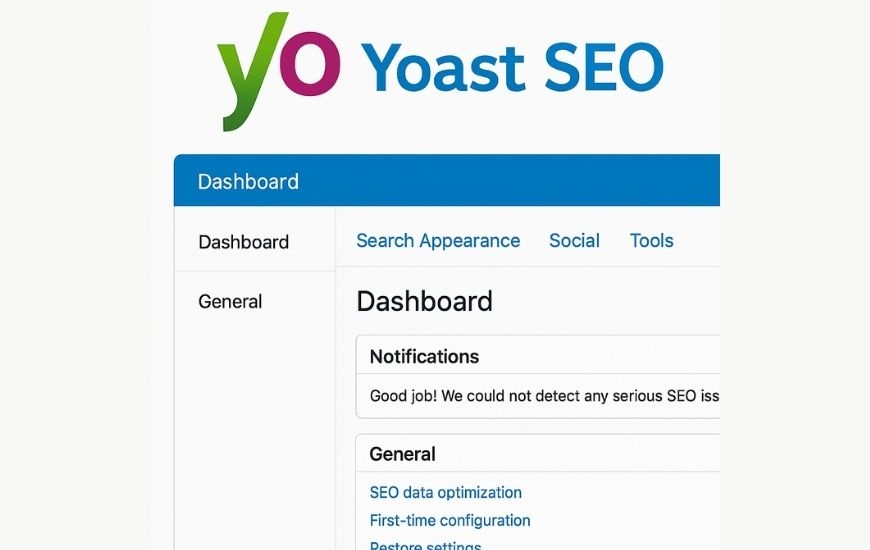
Yoast SEO is one of the most trusted and widely used SEO plugins in the WordPress ecosystem. Ideal for content marketers and bloggers, it simplifies on-page SEO with powerful content analysis and metadata management tools.
Pros:
- Trusted by millions with 5M+ active installs
- Easy to use for beginners
- Provides content readability analysis
- Supports XML sitemap and breadcrumbs
Cons:
- Some advanced features are locked behind the premium version
- Interface can be overwhelming at first
Pricing
Starts at $99/year.
Rank Math
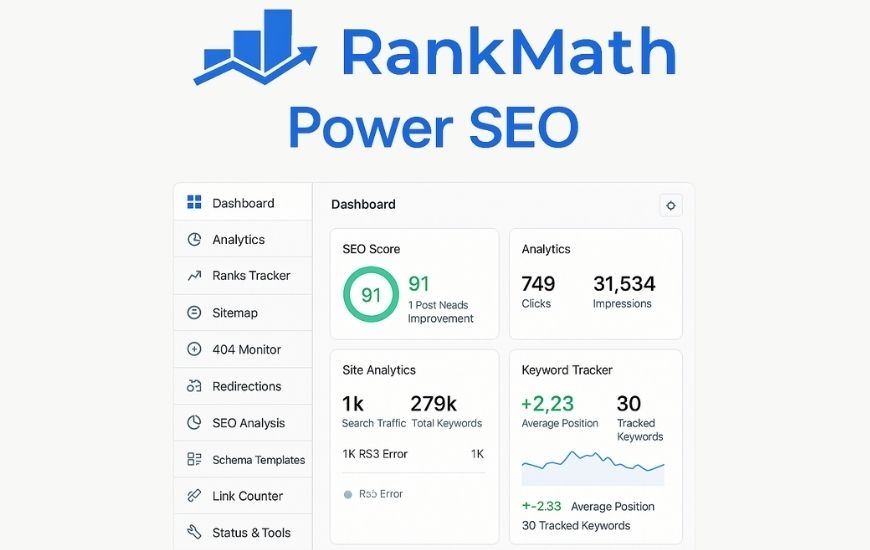
Rank Math has quickly become a top-tier WordPress SEO plugin due to its powerful automation, integrated schema, and analytics. It’s especially popular among advanced users and eCommerce site owners.
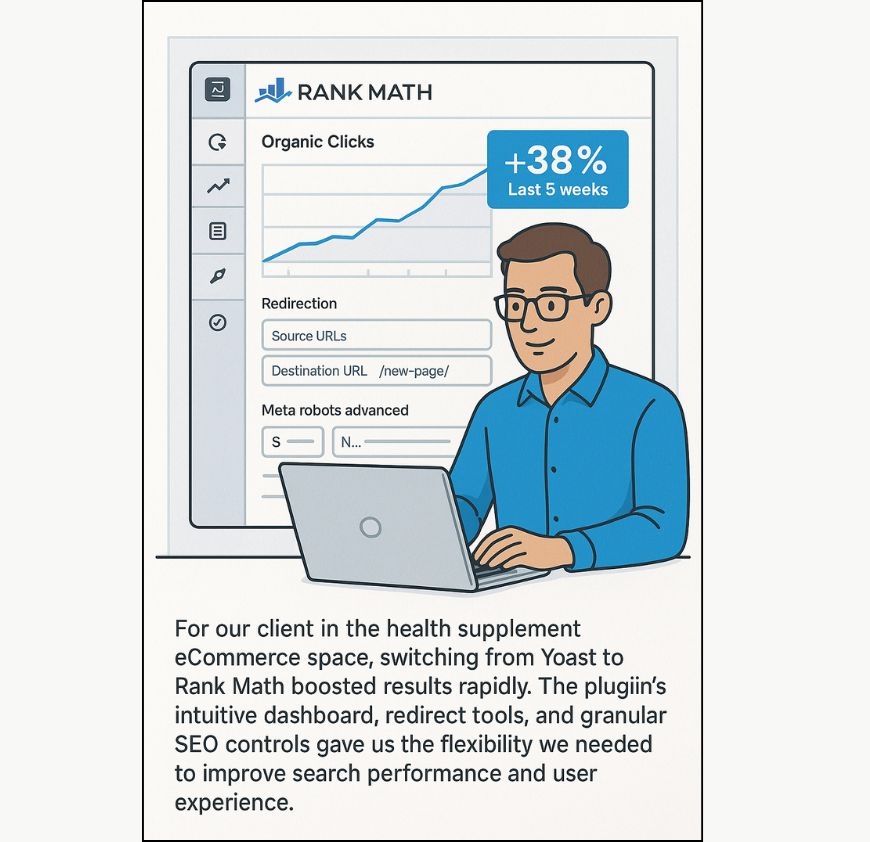
This is my personal favorite because of how flexible and intuitive it is, even for complex SEO needs. In our recent project with a health supplement eCommerce brand, we replaced Yoast with Rank Math. The result? A 38% increase in organic clicks in just 5 weeks. The client appreciated the built-in redirection manager and the ability to customize meta tags per product page effortlessly. a top-tier WordPress SEO plugin due to its powerful automation, integrated schema, and analytics. It’s especially popular among advanced users and eCommerce site owners.
The different price plans offered are Business for $71.99 per month and Agency for $75.99 per month.
SEOPress
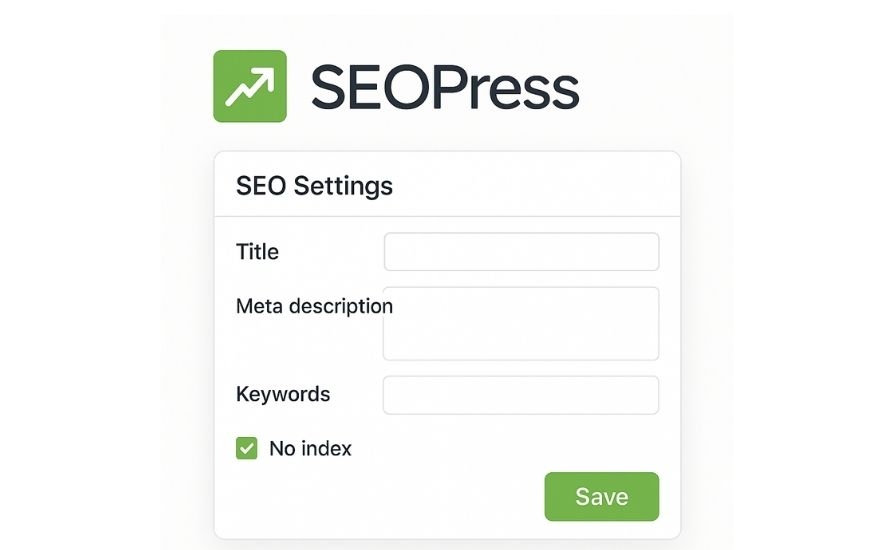
This plugin is best for small to medium websites. It seamlessly integrates with popular tools like Google Analytics and WooCommerce. Other features include redirects, broken links, rich snippets, image SEO, instant indexing and page builders.
In a recent case, a digital marketing agency client wanted a white-label SEO solution for their 15+ client sites. We deployed SEOPress across all installs. Its local SEO and WooCommerce support made it seamless, and the client saved over 40% in licensing costs versus using multiple Yoast Premium subscriptions. , privacy-focused SEO plugin that’s popular among agencies and developers. Its white-label options and support for WooCommerce make it a viable Yoast alternative.
Pros
- Affordable pricing
- White-label branding available
- WooCommerce and local SEO support
- Google Analytics integration
Cons:
- Not as well known in the market
- Learning curve for white-label setup
Pricing:
Starts at $49/year.
All-in-One SEO (AIOSEO)
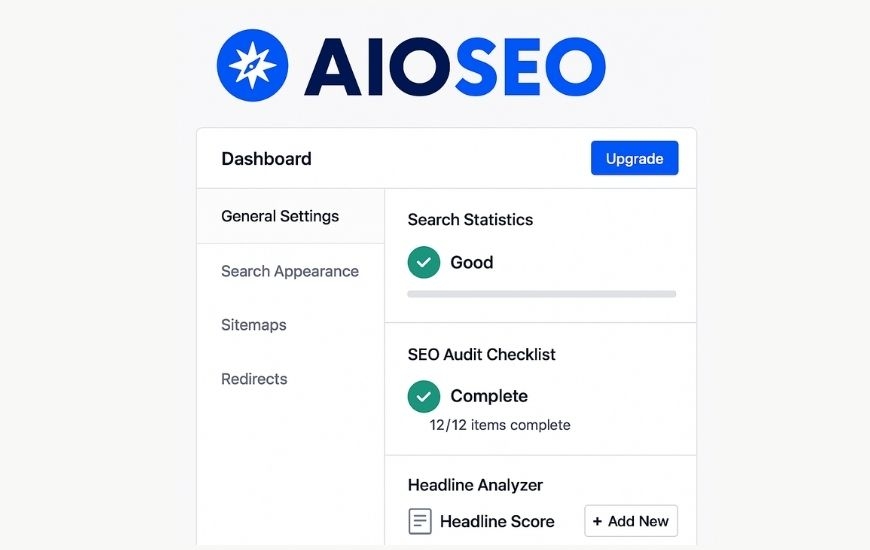
AIOSEO is a robust plugin offering a great mix of usability and features. With its TruSEO score and link assistant, it’s a favorite for users who want a holistic SEO toolkit.
Pros:
- Comprehensive features with TruSEO score
- Social media preview tools
- Seamless link management with Link Assistant
- Supports smart schema markup
Cons:
- Can feel bloated for smaller sites
- Premium version required for full functionality
Pricing:
Starts at $49/year.
Squirrly SEO

Squirrly SEO is built for marketers and bloggers who want actionable, real-time SEO insights without technical headaches. It’s like having an AI SEO consultant.
Pros:
- Real-time AI-driven SEO suggestions
- Ideal for non-technical users
- Keyword research and content optimization
- SEO audits and strategy assistance
Cons:
- Interface can be overwhelming with suggestions
- Some key tools require subscription
Pricing:
From $20.99/month.
SmartCrawl
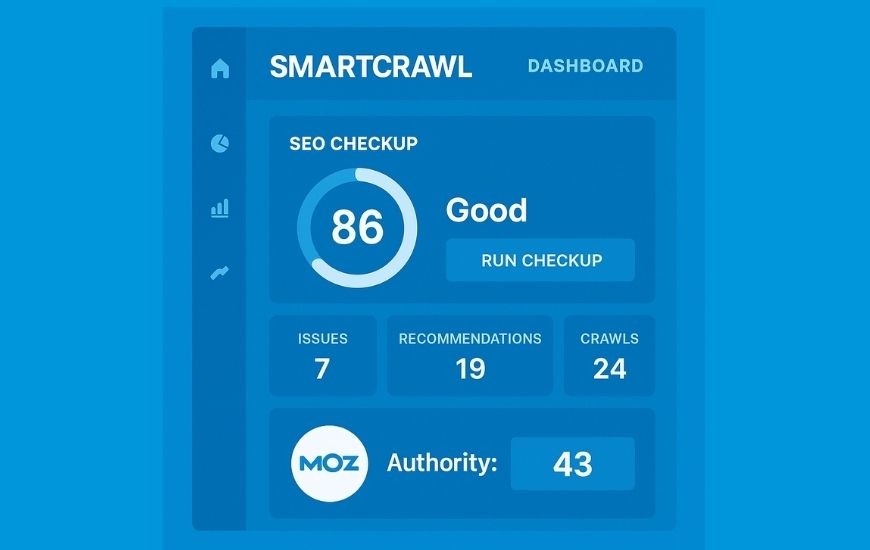
This is a user-friendly plugin for small and medium businesses as well as personal websites. It can perform an SEO analysis of your website and presents the result on the dashboard. It can analyse a website’s accessibility and performance. When used with a WordPress multilingual plugin it can be used to create multilingual sitemaps. Other features are URL redirection and schema setting. It has a free version and a paid version for $7.50 per month.
Pros:
- One-click setup
- Integrates with Moz and Alexa
- Real-time SEO reports
- Customizable SEO checklists
Cons:
- Requires WPMU DEV membership
- Less popular than mainstream options
Pricing
$7.50/month (with WPMU DEV).
Slim SEO

This is one of the simplest plugins for WordPress and is suitable for small business websites and blogs. It offers only the basic features of SEO. The main features include social media support, migrating SEO data and activating and deactivating specific features.
We recommended Slim SEO to a WordPress blog client who had just launched their first site. With no SEO knowledge, the client was able to achieve indexed pages within 10 days of launch. The simplicity of Slim SEO helped avoid common setup errors and kept their site light and fast. , zero-configuration plugin perfect for those who want SEO basics handled automatically. Great for beginners and non-tech users.
Pros:
- Fully automated setup
- Clean, bloat-free interface
- Lightweight performance
- Schema and meta tag automation
Cons:
- Lacks advanced customization
- Not ideal for technical SEO needs
Pricing:
Free.
WP Rocket
Though not a traditional SEO plugin, WP Rocket is critical for improving site performance—a key ranking factor. It's often paired with Rank Math or Yoast for complete SEO.
Pros:
- Dramatically improves site speed
- Caching, CDN, and lazy loading features
- Enhances Core Web Vitals
- Easy setup without coding
Cons:
- No free version
- Not directly involved in metadata or schema
Pricing:
$59/year.
Schema Pro
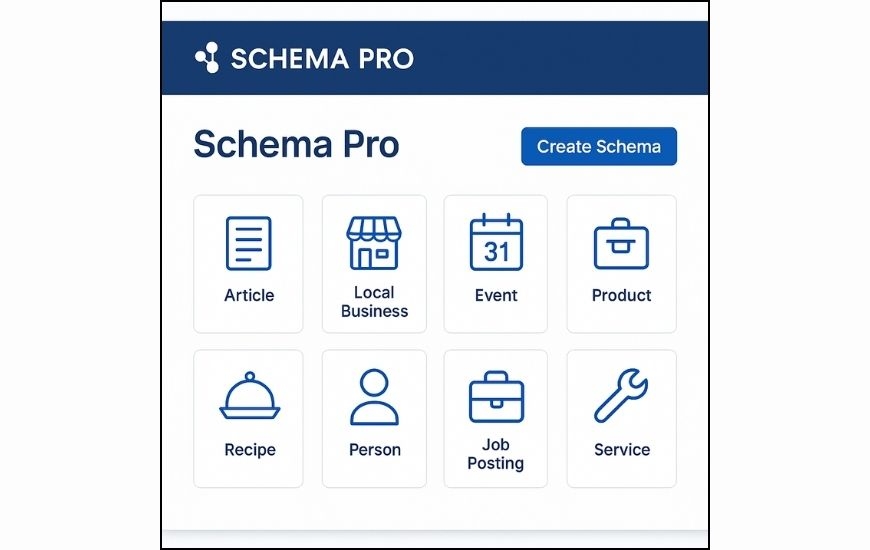
Schema Pro is designed to add structured data to your content, improving the chances of earning rich snippets. It pairs well with general SEO plugins.
Pros:
- Supports all common schema types (Review, FAQ, Product)
- Visual schema builder
- Compatible with major SEO plugins
- Enhances SERP visibility
Cons:
- Requires pairing with another SEO tool
- Premium only
Pricing:
$79/year.
WP Smush / ShortPixel

These image optimization plugins reduce image size without compromising quality, helping to improve page load speeds—a vital ranking factor.
Pros:
- Compresses images up to 70%
- Supports WebP and lazy loading
- Freemium model with scalable features
- Easy integration with WordPress media library
Cons:
- Free plans have limitations
- Advanced features behind paywall
Pricing:
Freemium (Pro starts ~$5/month).
How to Choose the Best Plugin
- Site Type: eCommerce, blog, local business?
- Features Needed: Schema? Redirects? Internal link automation?
- Ease of Use: Drag-and-drop or technical settings?
- Integration: Works well with your existing stack (e.g., WooCommerce, Elementor)
Summary of Key Takeaways
- ✅ Choose plugins based on your business type
- ✅ Combine SEO + Performance (Rank Math + WP Rocket)
- ✅ Focus on schema, image compression, and page speed
- ✅ Don’t overload your site with multiple plugins
FAQs
Q1: Should I use multiple SEO plugins?
No. Most SEO plugins do similar tasks. Stick with one to avoid conflicts.
Q2: Is WP Rocket a true SEO plugin?
Not exactly, but speed is a confirmed Google ranking factor. WP Rocket helps.
Q3: Which plugin offers the best schema support?
Rank Math and Schema Pro offer the most robust schema support.
Q4: Are free plugins good enough?
Yes, plugins like SEOPress and Rank Math offer great features in their free versions.
Q5: Can I migrate from one plugin to another?
Yes. Most plugins have import/export settings to help with migration.
- Log in to post comments


 INDIA
INDIA