


Google’s Nano Banana & Nano Banana Pro: Complete Guide to Gemini Image Models
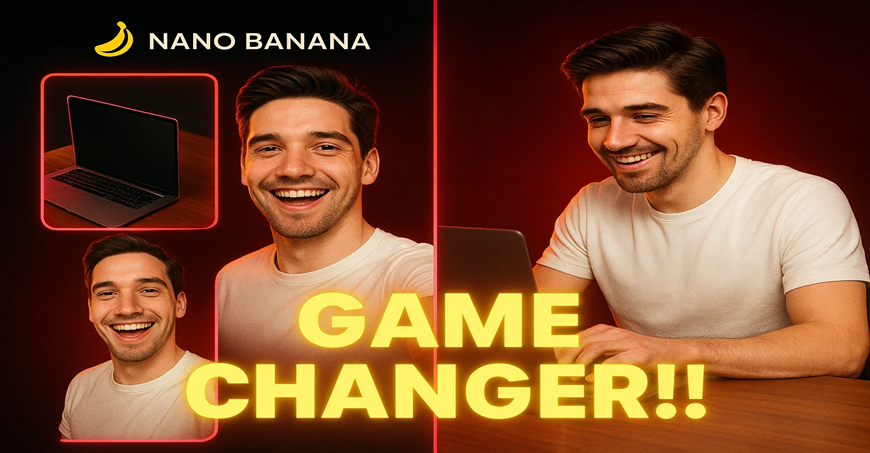
Nano Banana (Google’s internal codename for Gemini 2.5 Flash Image) is Google’s AI image-generation and editing model built for high-quality visual creation with strong character and subject consistency. It launched on August 26, 2025 and powers image workflows in the Gemini app (web, Android, iOS), the Gemini API, Vertex AI, and several partner tools.
In November 2025, Google released Nano Banana Pro, the upgraded version built on Gemini 3 Pro Image, offering higher realism, better multilingual text rendering in images, stronger reasoning capability, and support for more complex creative workflows.
What is “Nano Banana”?
- Google’s internal/model codename for its image-generation system; the public-facing version is Gemini 2.5 Flash Image.
- Supports text-to-image generation and image-to-image editing such as retouching, style changes, background replacement, and lighting adjustments.
- Optimised for multi-step workflows where the subject’s identity must remain consistent across edits.
What is Nano Banana Pro?
- The next-generation model built on Gemini 3 Pro Image (released November 2025).
- Produces higher-fidelity images with improved detail, realism, and stylistic control.
- Significantly better at text rendering, making it ideal for posters, YouTube thumbnails, banners, and multilingual creatives.
- Better reasoning and scene understanding for complex layouts, product shots, and 4K-level detail (in supported tools).
Launch timeline & availability
- Nano Banana (Gemini 2.5 Flash Image) – Launched August 26, 2025
- Nano Banana Pro (Gemini 3 Pro Image) – Launched November 21, 2025
- Both models available across:
- Gemini app (web, iOS, Android)
- Gemini API / Google AI Studio
- Vertex AI for enterprise developers
- Partner tools like Adobe Express / Firefly (for 2.5 Flash Image)
Standout features
- Multi-step editing – Adjust background, lighting, outfits, or stylistic elements across multiple turns while keeping identity stable.
- Image mixing / compositing – Blend two images or move subjects from one scene to another.
- Natural language controls – No complex masking required; simply describe the visual change.
- Watermarking & provenance – Outputs include visible and invisible watermarks for authenticity.
- High subject consistency – Stronger with Nano Banana Pro for multi-turn branding workflows.
- Better text in images (Nano Banana Pro) – Accurate, clean, multilingual text for posters, social graphics, thumbnails, ads.
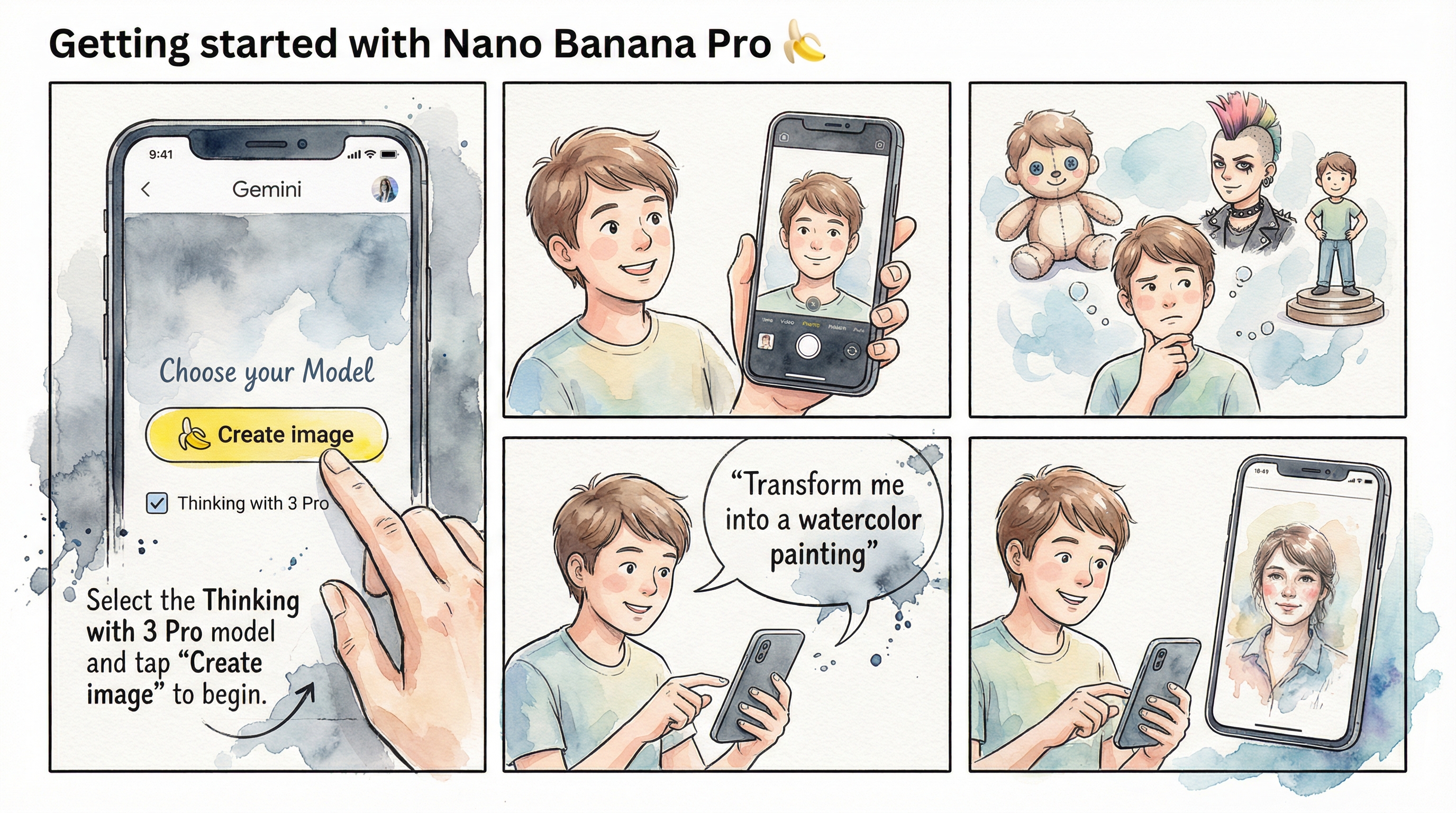
How to use Nano Banana & Nano Banana Pro (Gemini app workflow)
- Open the Gemini app (web or mobile).
- Start a new chat and choose text-to-image or upload an existing photo.
- Describe the edits you want (e.g., “Replace the background with a modern office and make lighting soft”).
- Iterate through multiple refinements—lighting, pose, styling, background—without subject drift.
- Blend or combine images by uploading additional photos.
- Export the image; watermarking is automatically applied in supported products.
Pricing and limits
- Free Gemini tier: Daily limit on image generations and edits (varies by region).
- Paid consumer tiers (Gemini Advanced / AI Pro): Higher daily/monthly limits and access to the newest models, including Nano Banana Pro.
- Enterprise / Developer: Usage-based billing via Vertex AI or the Gemini API.
- Typical pricing starts around $19.99/month for Gemini Advanced; regional pricing may differ.
Public interfaces like nanobanana.ai
In addition to Google’s official platforms, several third-party sites offer UI-based access to the same model capabilities. Popular examples include nanobanana.ai, nanobananaai.com, nano-banana.io, nanobanana.app, and similar portals.
- Upload-based editing and text-to-image creation
- Tools such as background removal, style mixing, character consistency, and batch generation
- Freemium model with free credits and premium plans
Note: These sites are not official Google products. They act as UI front-ends to the underlying Gemini-based APIs and may have their own pricing and privacy policies.
Example prompts
- “Make this LinkedIn headshot professional: neutral office background, soft studio light, natural skin—keep all facial features unchanged.”
- “Blend my selfie with this street photo so it looks like I’m there at golden hour.”
- “Create a 4K YouTube thumbnail with clean English and Hindi text, using this person on the right side.”
- “Put my dog in a superhero costume with the same pose and expression.”
What it means for creators & brands
- Consistent branding – Keep the same spokesperson, mascot, or product look across many assets.
- Accelerated content creation – Faster campaigns, multi-language variations, and less reliance on reshoots.
- Responsible AI – Built-in watermarking and provenance signals support compliance and platform requirements.
- Log in to post comments


 INDIA
INDIA